
Maintenance Bot
eTop uses a system of commands to keep your systems updated and working properly. When maintenance runs, you will get an email notification. The emails come from maintenance@etop.tech and provides information on when it will run and what options are available.
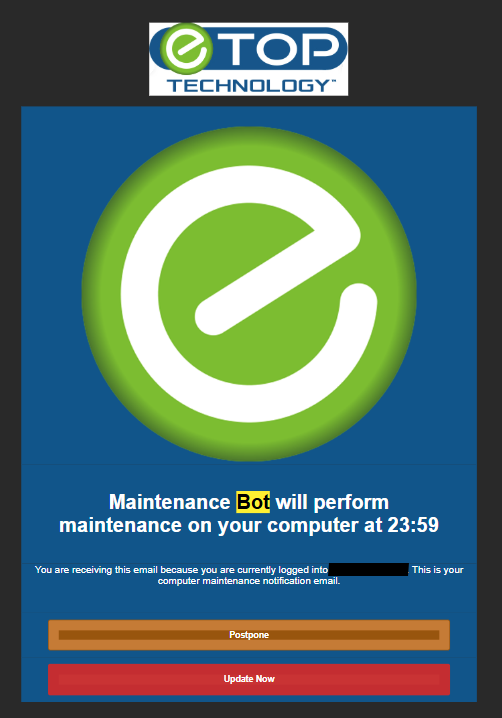
This is an example of what the notification looks like. You have the option of doing nothing, in which case the maintenance will happen at the time specified, clicking “Postpone” which will skip this maintenance session temporarily, or “update now” which will start the maintenance immediately.
If an action such as a reboot is required, you will receive another message requesting a restart. Click “Restart now” to restart your computer. This is highly recommended to prevent downtime.
If your computer is offline during the scheduled maintenance session, your computer will run the maintenance the next time the system is online. As always, please let us know if you have any questions on when your maintenance is scheduled.